Features
Multi-Window Support
Work with multiple database windows simultaneously
Multi-Window Support
data-peek supports multiple windows, allowing you to work with different databases or queries side by side.
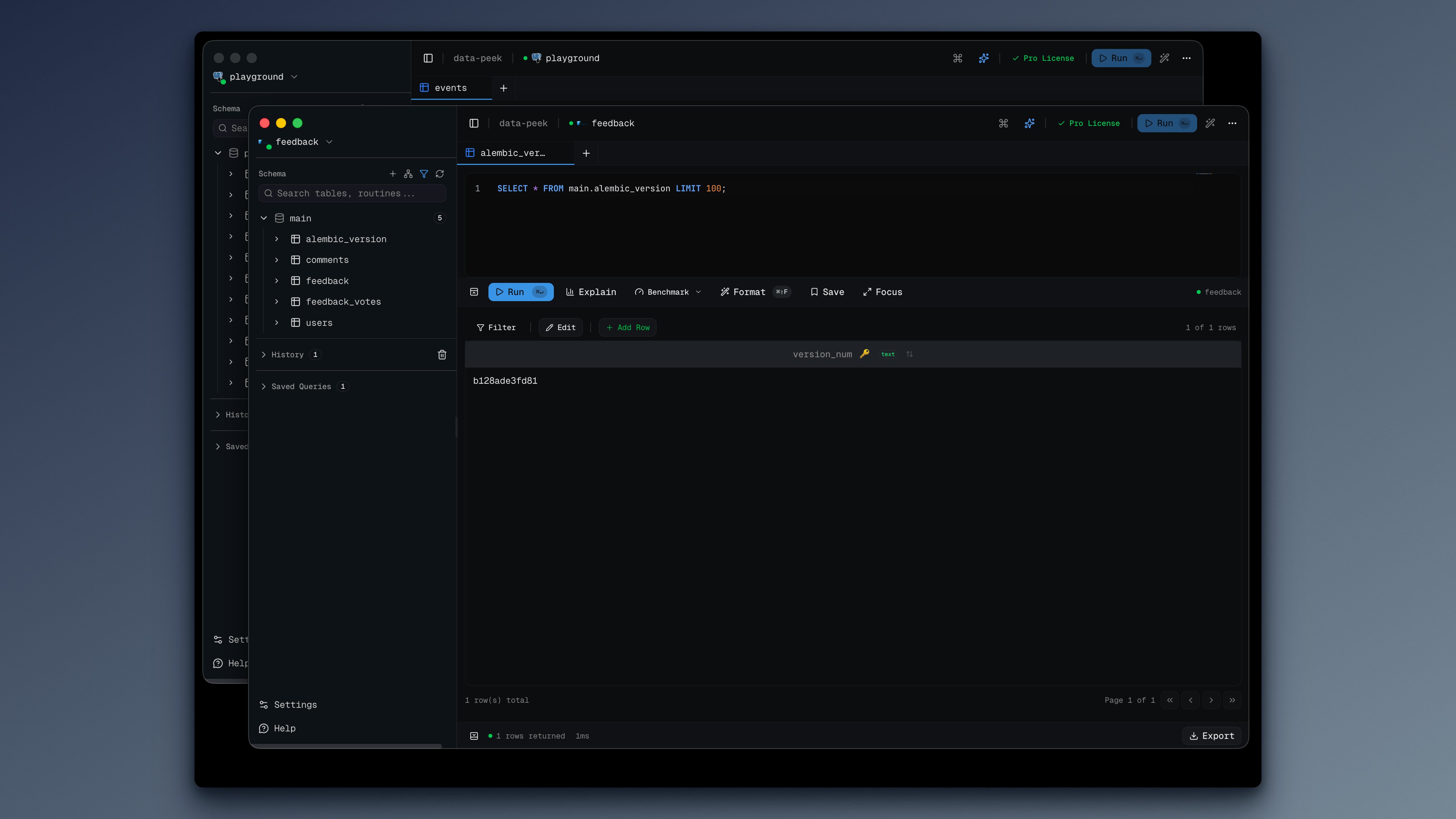
Opening New Windows
From Menu
File → New Window or press Cmd+Shift+N (macOS) / Ctrl+Shift+N (Windows/Linux)
Use Cases
- Compare data across different databases
- Monitor one database while querying another
- Keep a reference query open while writing new ones
- Separate development and production databases
Window Independence
Each window is fully independent:
- Separate connections: Each window can connect to a different database
- Separate tabs: Query tabs are window-specific
- Separate history: Query history is tracked per window
- Separate results: Results don’t interfere between windows
Window State
data-peek remembers window state:
- Window size and position
- Active connection per window
- Open tabs and their content
Tips
Organize by Environment
Keep separate windows for:
- Development database
- Staging database
- Production database (read-only queries)
Side-by-Side Comparison
Use your OS window management to tile windows:
- macOS: Drag window to screen edge, or use Stage Manager
- Windows: Win+Arrow keys
- Linux: Varies by desktop environment
Keyboard Navigation
When you have multiple windows:
- Cmd + backtick (
`) - Cycle through data-peek windows (macOS) Alt+Tab- Switch between windows (all platforms)